
Keeping up with all the new AI can feel impossible, right? But if we can take a look at some of these developments through the lens of the products we might already be using use every day, it makes it easier to create some context on how to think about them.
In the following we’ll look at some familiar products and create a simple framework for categorizing AI features in order to better understand their use cases.
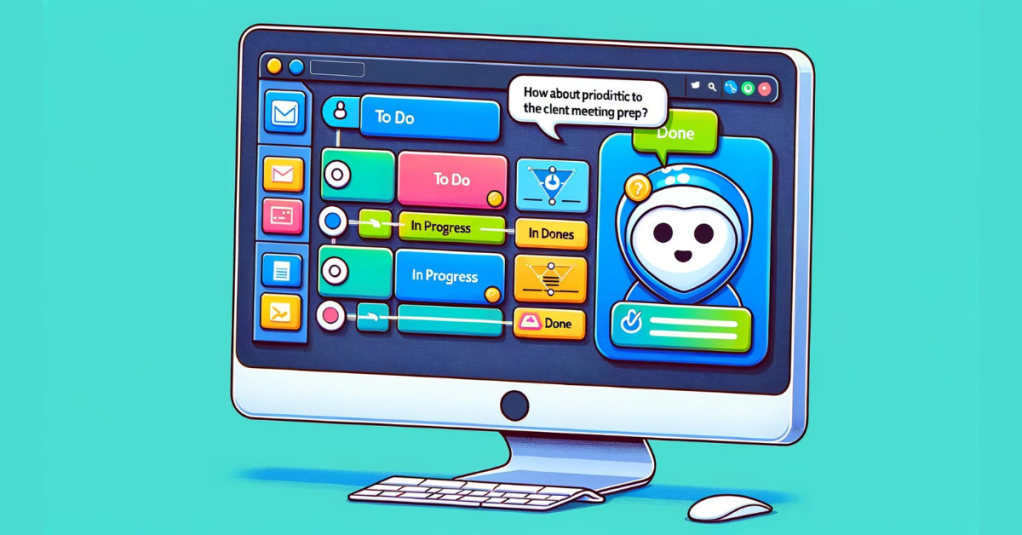
Five Categories
I’ve broken down the AIs into these 5 categories.
- Chatbots: AI-powered chatbots that enhance customer interactions.
2. UX Enhancements: AI features that improve the usability of an existing product.
3. Productivity Enhancements: AI features that help users work more efficiently by automating certain tasks.
4. Standalone Solutions: Independent AI tools that solve specific problems.
5. Analytics + Machine Learning Tools: Models that analyze data and provide deeper insights.
🤖 Chatbots
Chatbots have been around for a while but still hold immense potential for enhancing user interactions.
Especially now with chatbots appearing on an increasing number of sites and user fatigue on the rise (remember this Redditor’s encounter with Chevrolet’s chatbot?), it’s crucial to consider the changing landscape to make sure interactions are thoughtful and helpful to users.
Here are some examples:
Zoom AI Assistant: Generates meeting summaries, transcribes conversations, manages schedules, and offers insights based on histories.

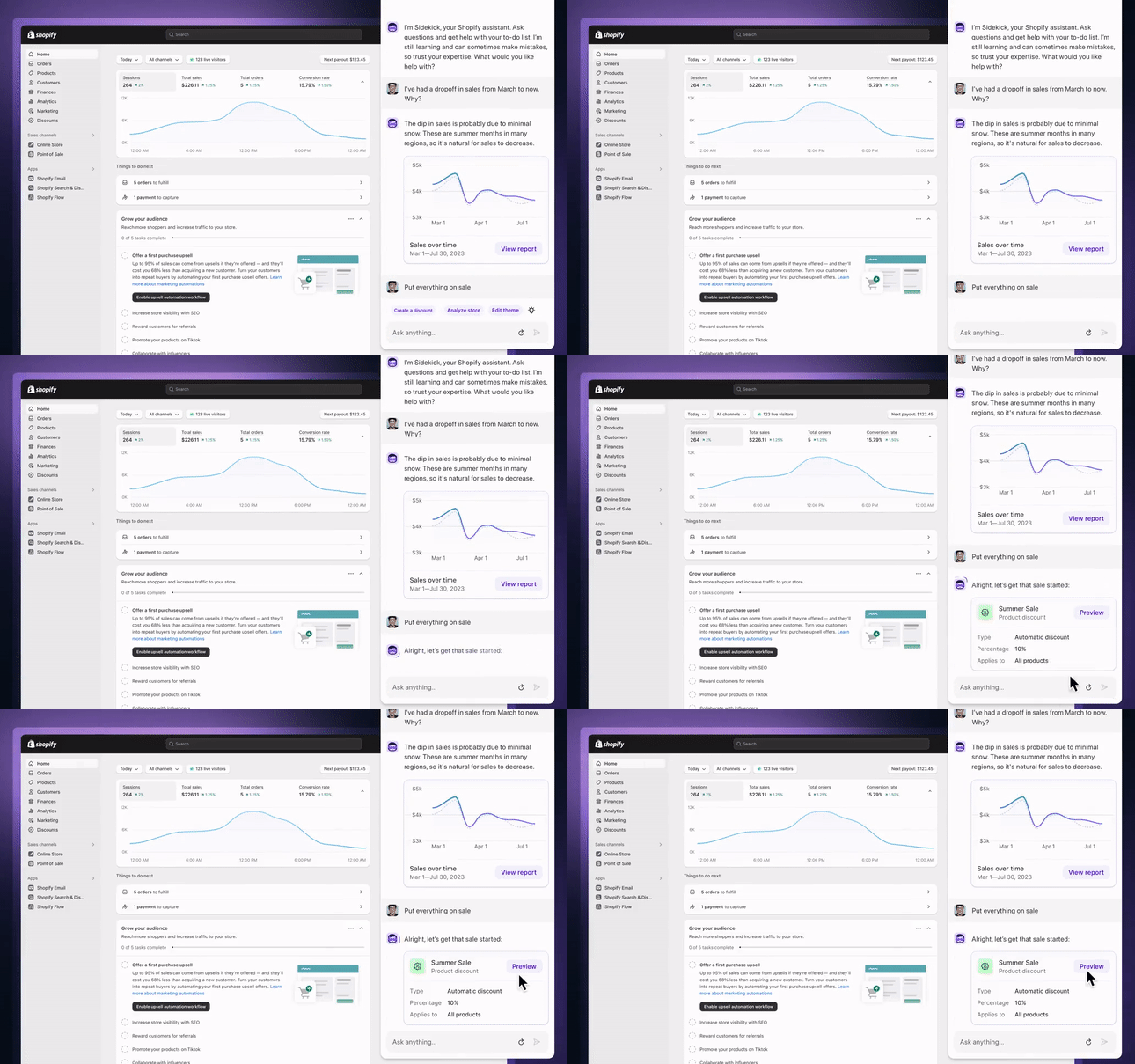
Shopify Sidekick: Navigates the Shopify platform, automates routine activities, and makes recommendations.
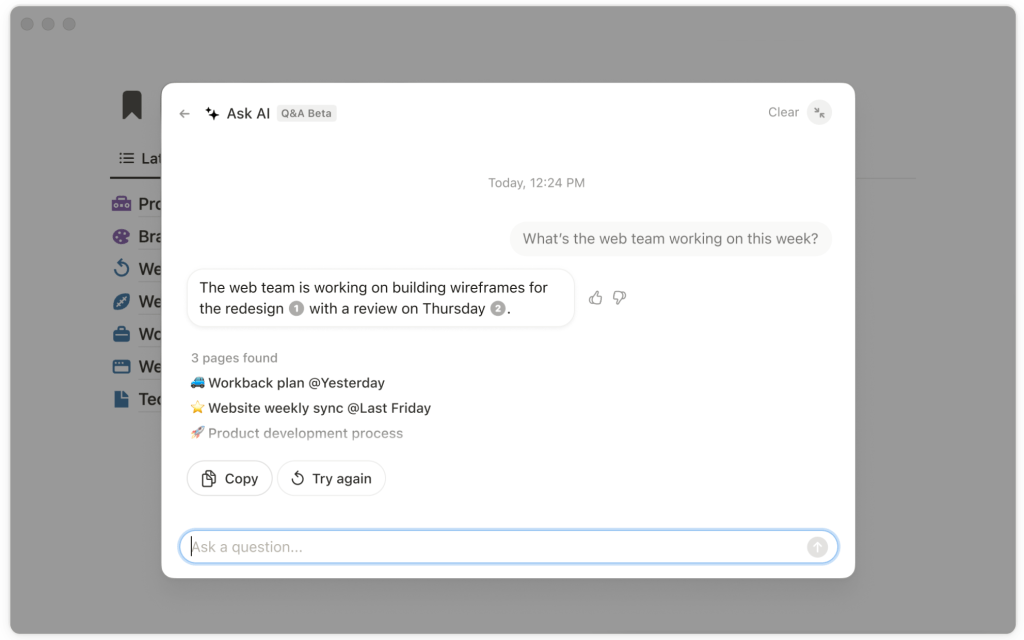
Notion Q&A: Provides instant answers based on workspace content, streamlining workflow.
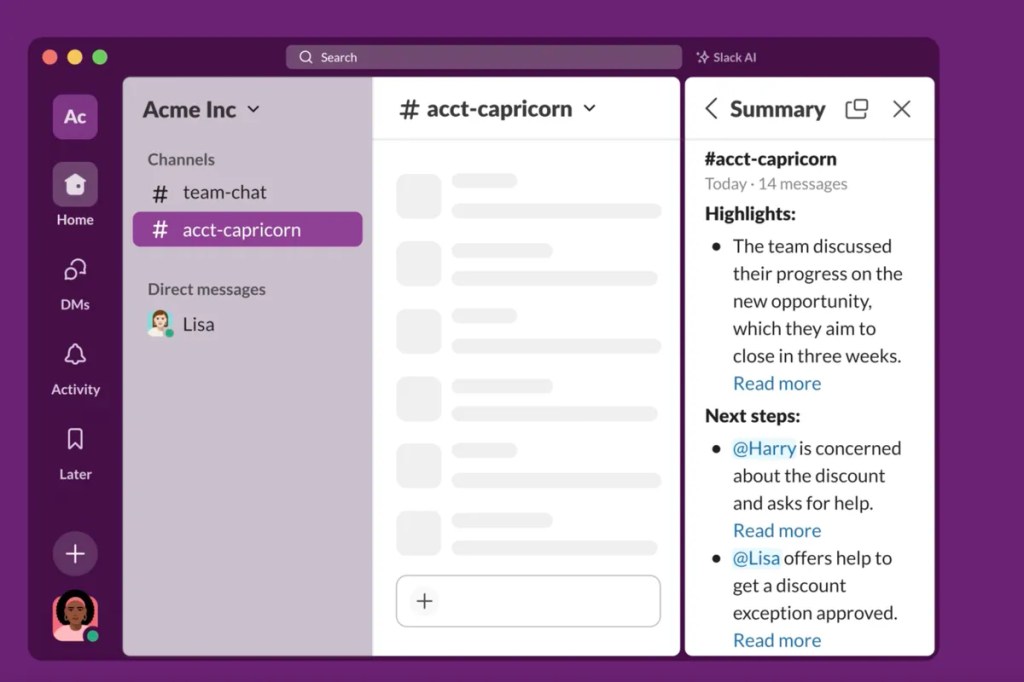
Slack AI: Manages work more efficiently with personalized search, automated recaps, and thread summaries.
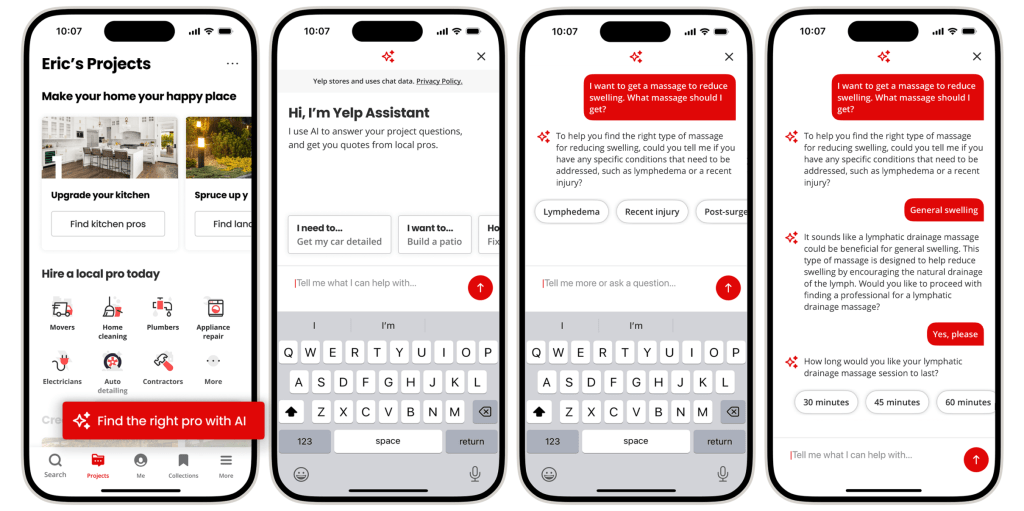
Yelp AI Assistant: Connects consumers with local service professionals.
🫡 Standalone AI Solutions
Standalone AI solutions go beyond simple enhancements to solve specific problems. Some examples include:
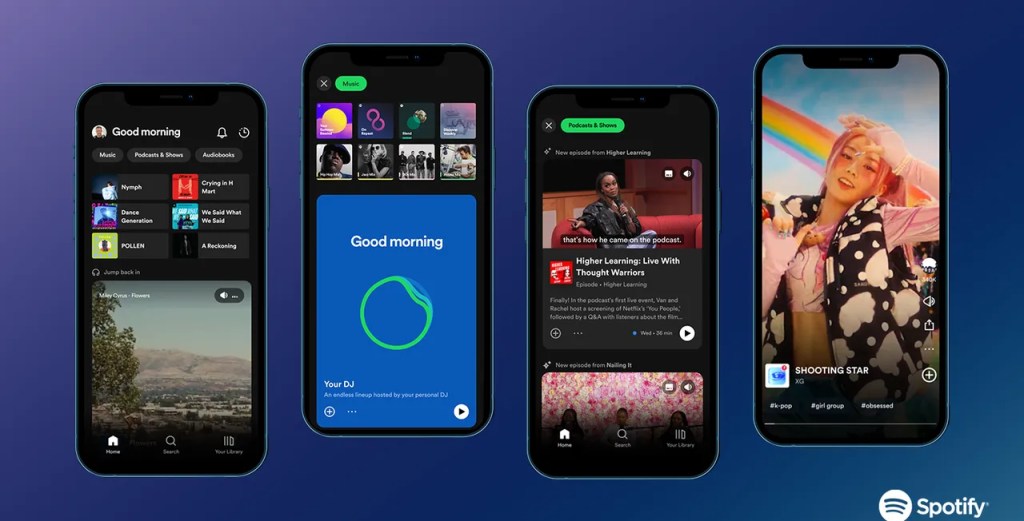
Spotify Synthetic DJ: AI mimicking a DJ to enhance music listening.
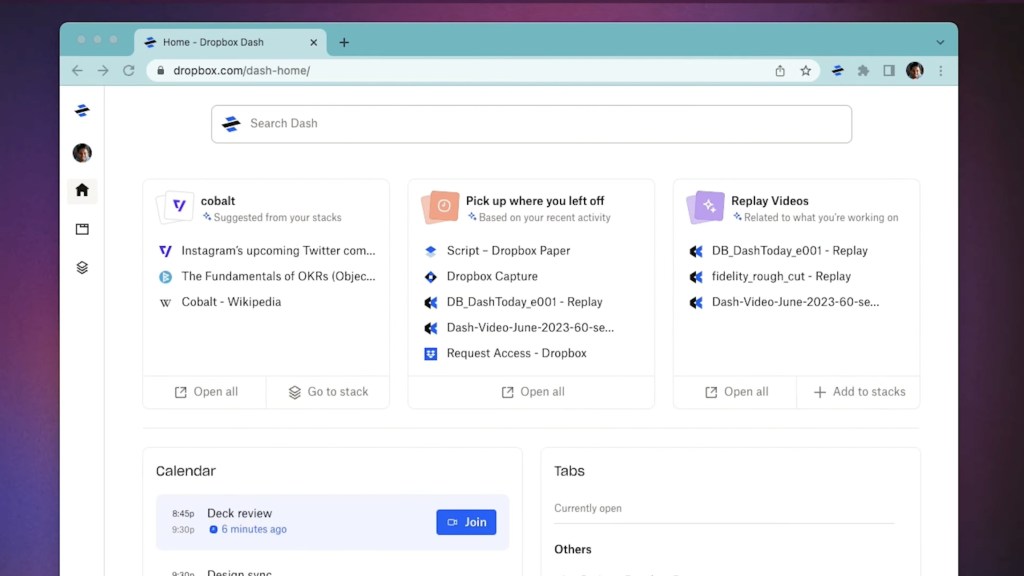
Dropbox Dash: Universal AI-powered search tool.
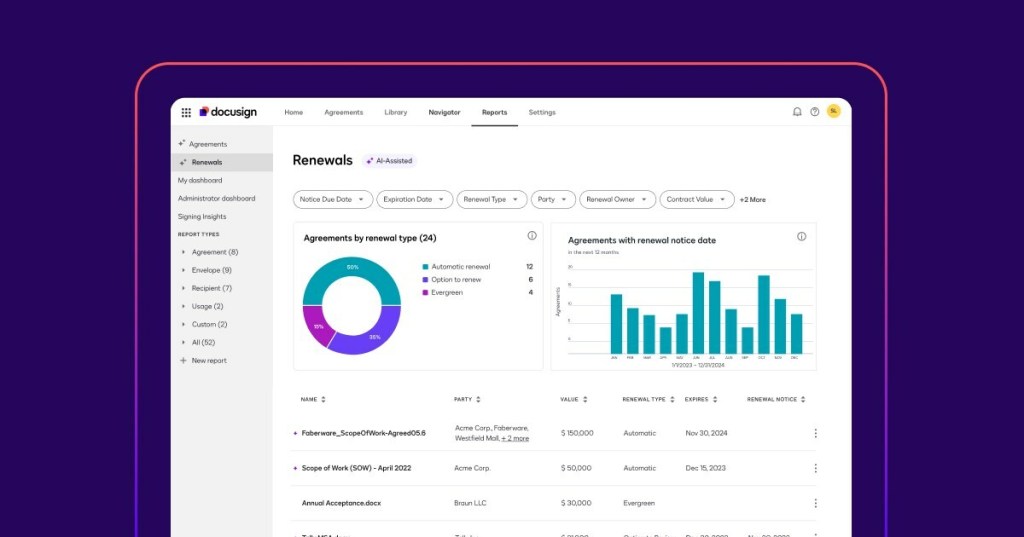
Docusign IAM: Transforms unstructured data in agreements into structured data.
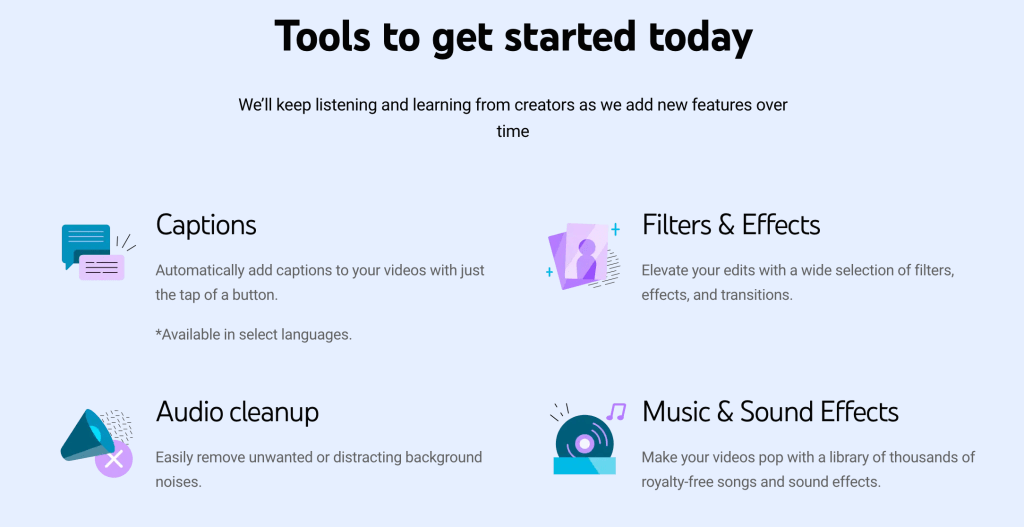
YouTube Create: A standalone app with tools to help content creation.
🎨 UX Enhancements
UX enhancements are AI features designed to improve product usability, making them easier and more enjoyable to use. Examples include:
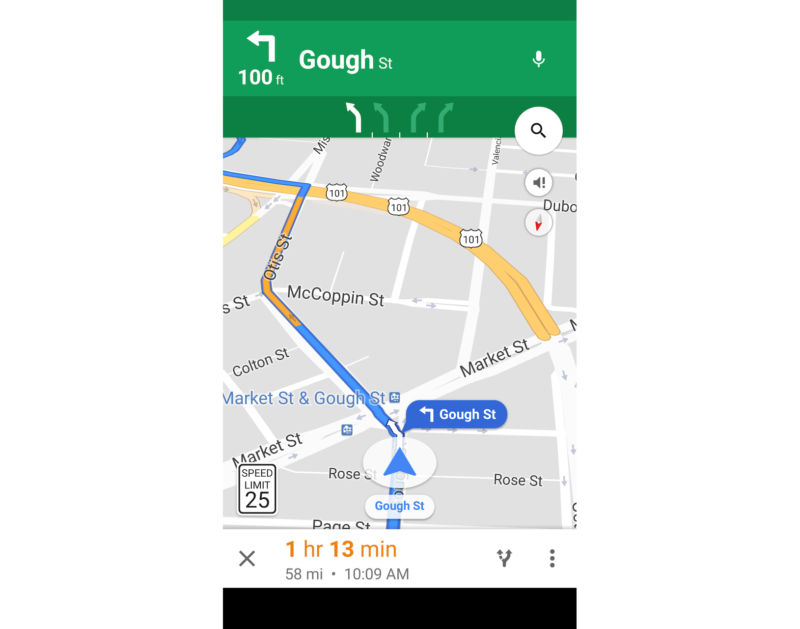
Google Maps Updates: Enhances speed limit accuracy.
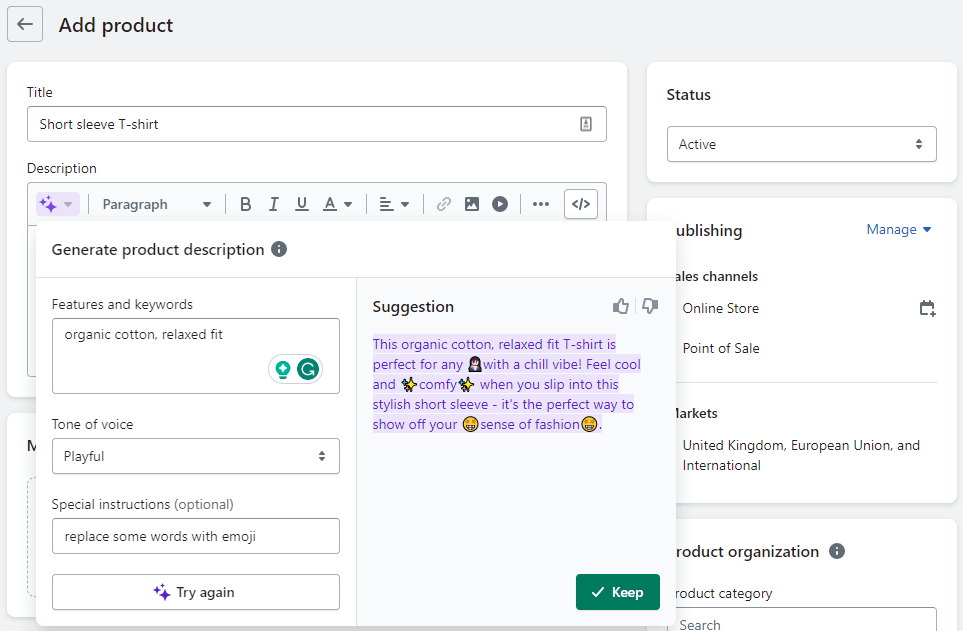
Shopify Generative AI: Writes product descriptions.
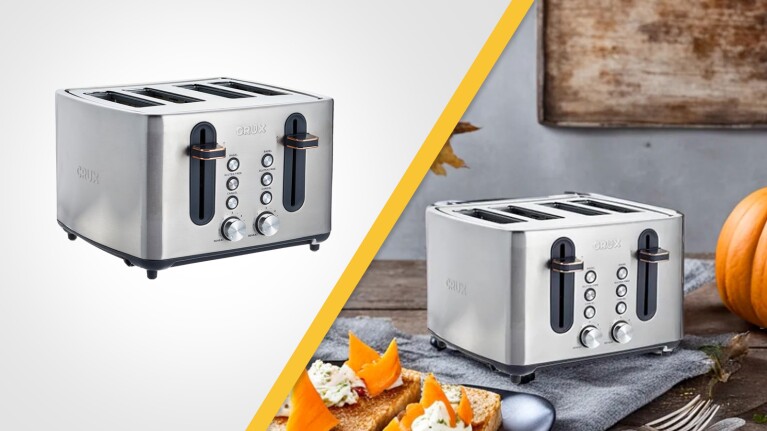
Amazon Product Image Generator: Creates high-quality product images.
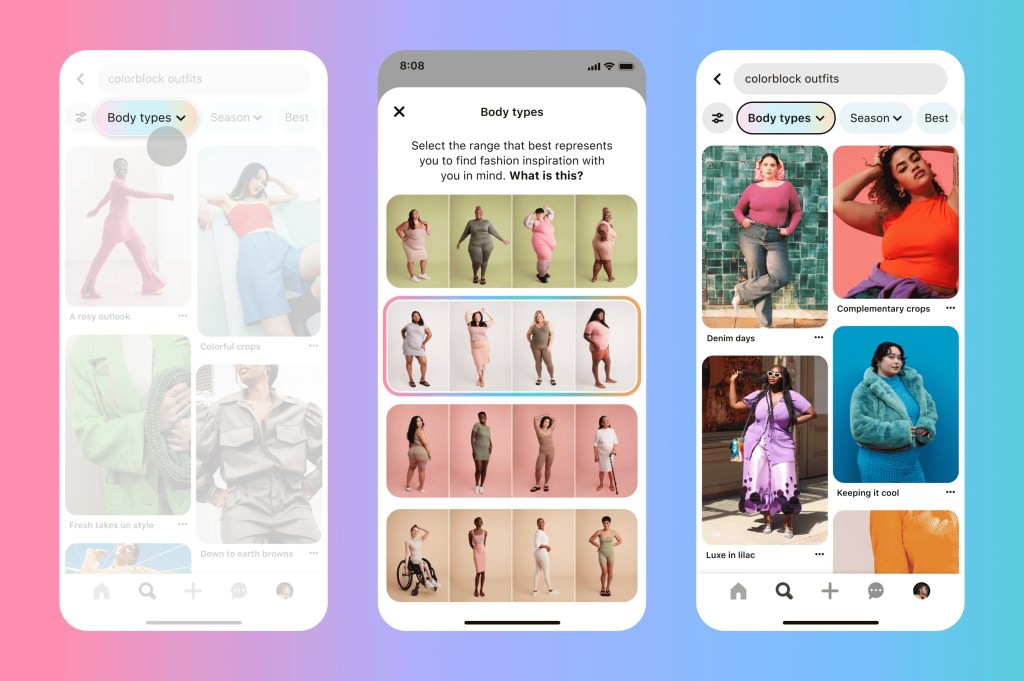
Pinterest Body Types: Refines search results based on body types.
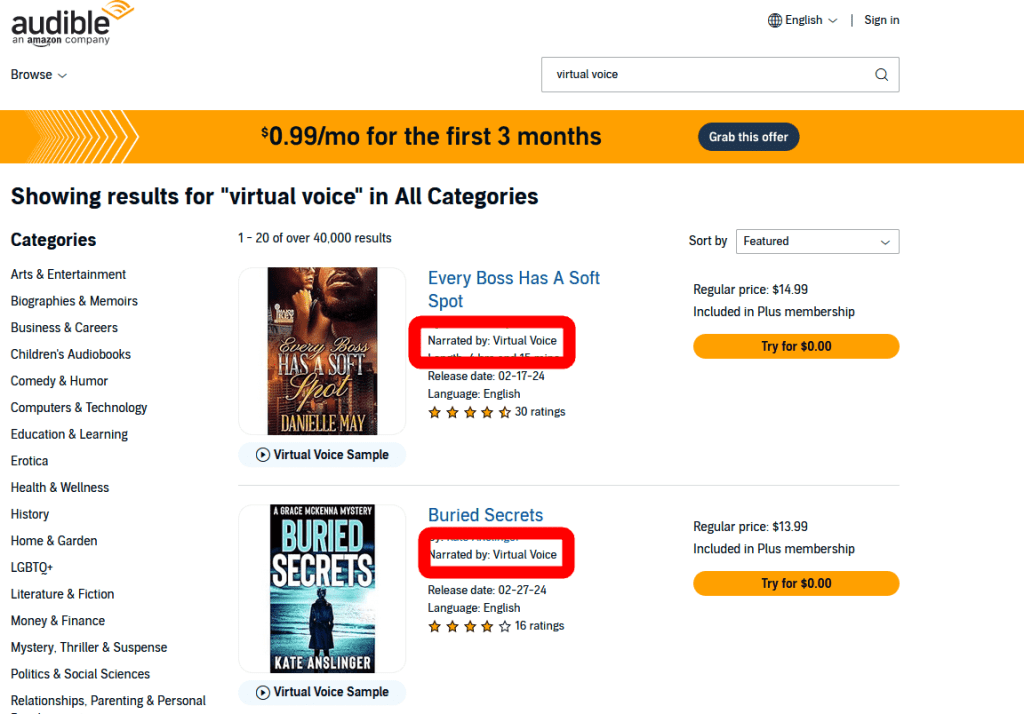
Audible AI Narrated Audiobooks: Creates audio versions of books.
💪 Productivity Enhancements
Productivity enhancements help users work more efficiently by automating tasks. Some examples:
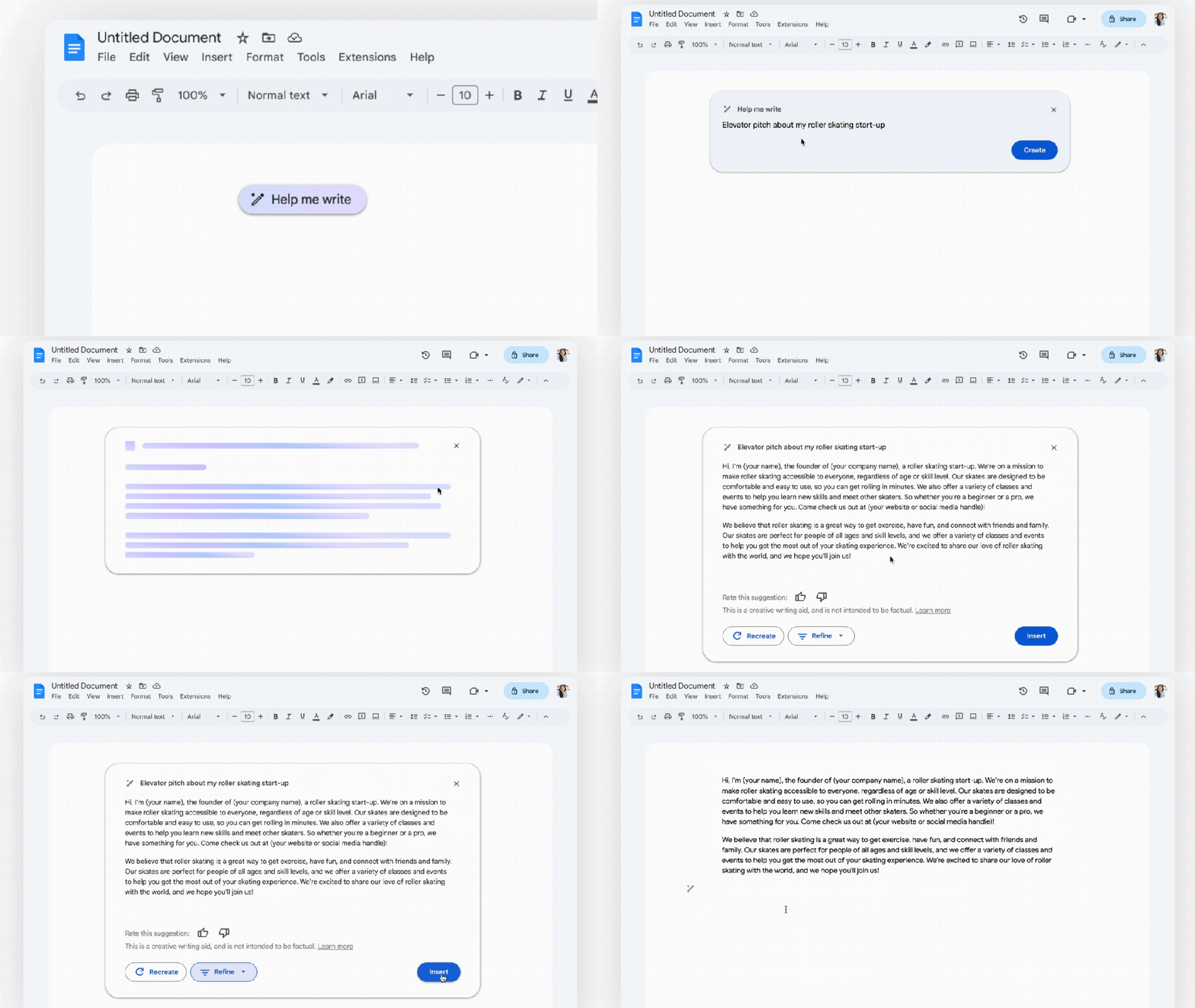
Google Docs Help Me Write: Assists with content creation.
Spotify Voice Translation Tools: Translates podcast content.

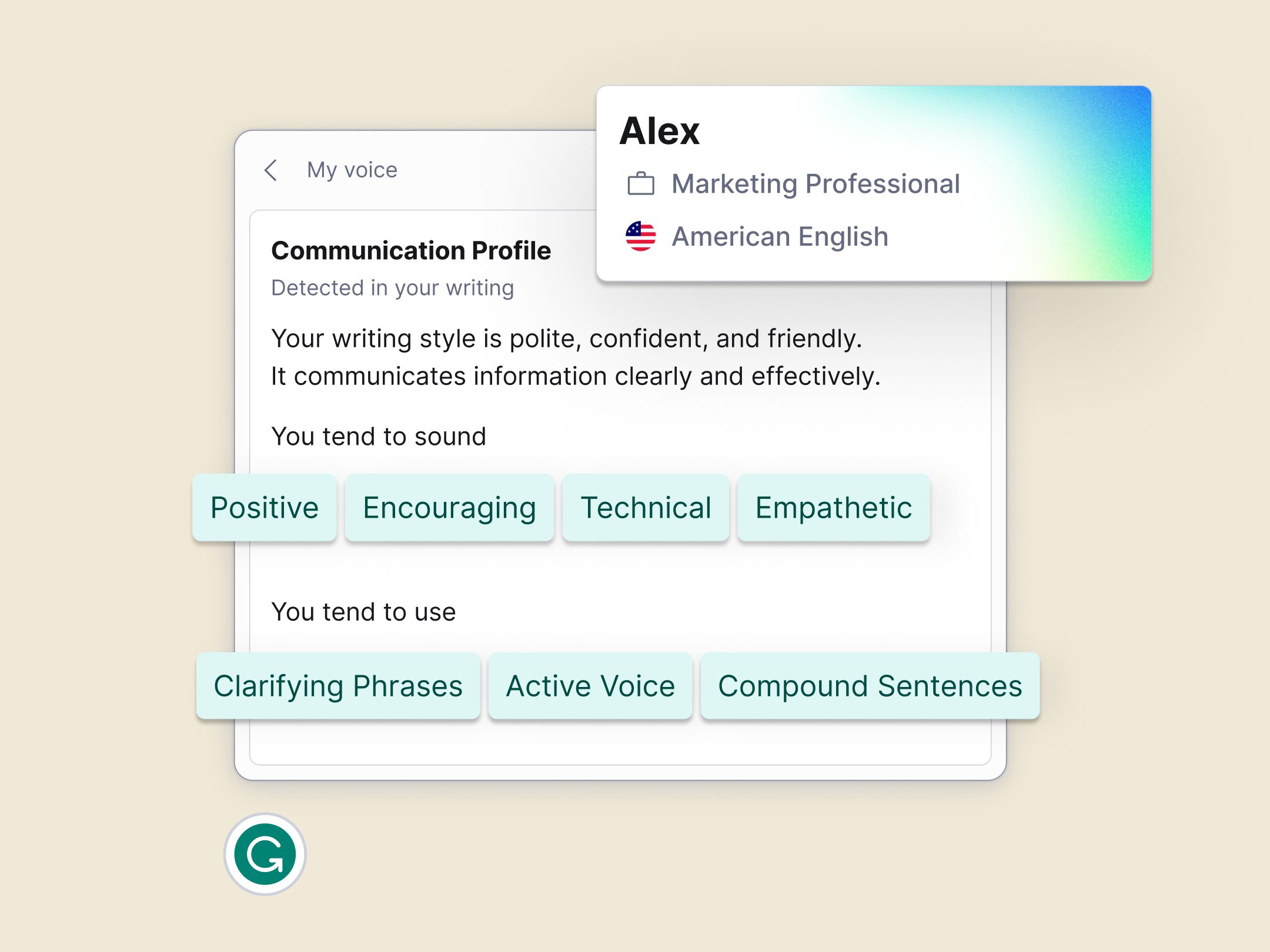
Grammarly: Adapts to your writing style.
YouTube AI Features: Includes insights and dubbing videos.
Canva Magic Design – Content creation from a single prompt. (and if you didn’t catch their most Canva-esque keynote in May here’s a link.)

⚙️ Analytical/Machine Learning Tools
Analytical and machine learning tools provide data analysis and insights. Some examples:
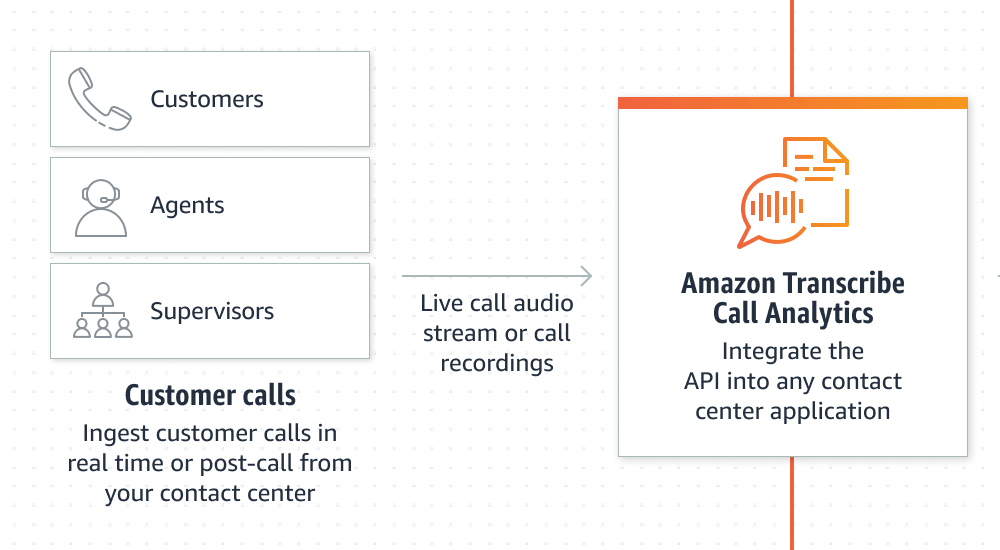
Amazon Transcribe Call Analytics: Generates call transcripts and insights.
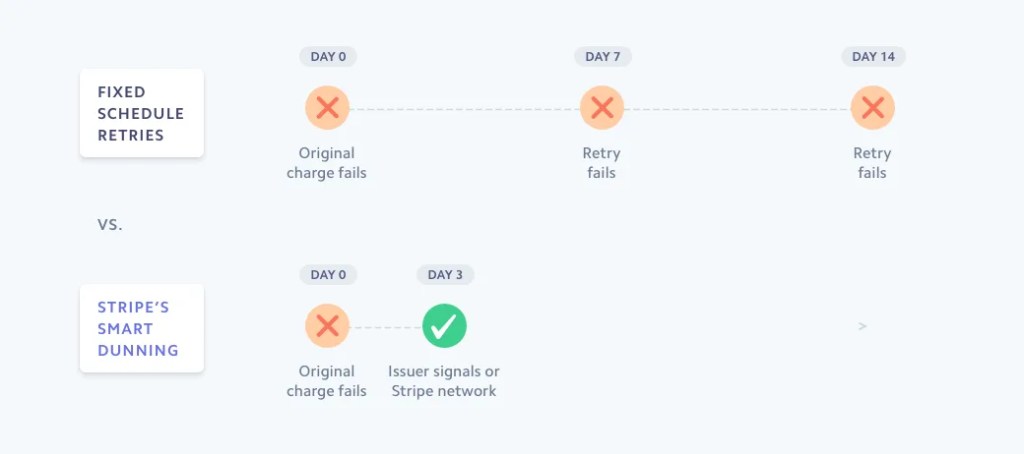
Stripe Smart Retries: Optimizes payment retries.
Building AI capabilities Into Your Product
AI offers transformative potential across various business functions. If you’re thinking about how you might integrate AI into your product, asking yourself these three (very familiar) questions is a good place to start.
- What are our users’ biggest pain points? Identify areas where AI can genuinely enhance the user experience by solving specific problems. Talk to your users to understand their workflows and frustrations.
- What can we do to address those pain points? Consider specific AI capabilities that align with your product goals. Is it automating tasks? providing insights? making contextual suggestions? etc.
- How will we measure success? Define clear objectives and success metrics, such as increased productivity, user satisfaction, or reduced response times.
This said, we still have to do some of the hard work but perhaps this might be somewhat of a relief! 😮💨
I hope this leaves you with some examples of how some familiar products are leveraging AI and perhaps some ideas on using AI in your own.
 APPITY SNACKS