
I’ll admit that I’m a screenshot-er. Order confirmation pages, receipts and other things that I think i’ll look at at some point later but never do.
But in every instance I’ve taken a screenshot I’ve never wished that something would do this automatically on my behalf, because that would just be creepy.
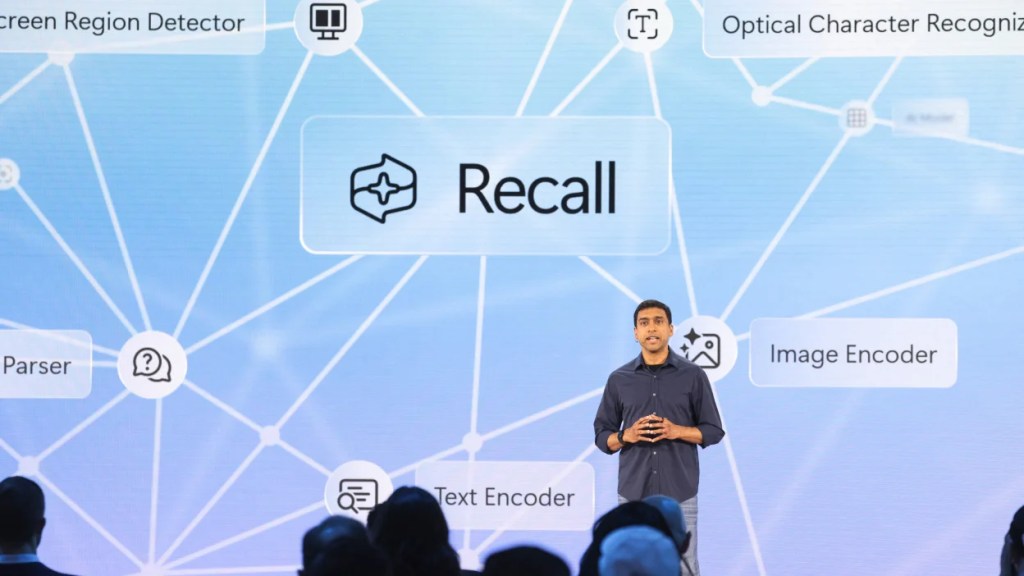
But this is a feature that Microsoft recently announced, new feature called “Recall” that has raises significant privacy concerns. Recall automatically takes screenshots of your active windows every few seconds, creating a comprehensive timeline of everything you’ve even had on your computer screen.

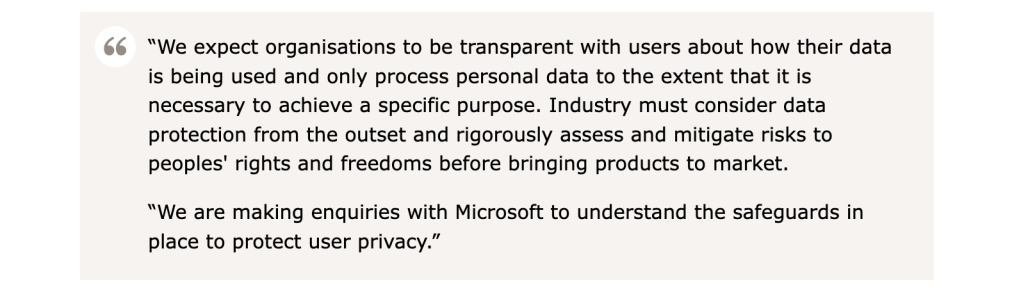
While Microsoft touts this as a convenient way to ensure you ‘never miss a thing’, the feature’s constant surveillance-like behavior is concerning and has already sparked investigations by authorities like the UK’s Information Commissioner’s Office (ICO).
What could go wrong?
We’ve been advised to never to write passwords down, definitely don’t stick them to your monitor. But Recall is doing just this but I’d argue it’s many times worse: it automatically records everything that appears on your screen in a file that can be easily accessed and shared if someone should ever get a hold of it.

Microsoft claims that Recall encrypts data and stores it locally on your own computer so it’s safe but it’s already been found not to be the case. Kevin Beaumont, an ex-Microsoft staffer, discovered that Recall actually stores your data in an unencrypted plain text database. In this post, he describes how Recall “has a record of everything you’ve ever viewed on your PC in plain text.”
Alex Hagenah, a cybersecurity strategist, has also looked into Recall and released an aptly name demo tool called TotalRecall, that will automatically extract and display everything Recall records on your device.

As far as I understand now, here are the biggest issues with this new feature:
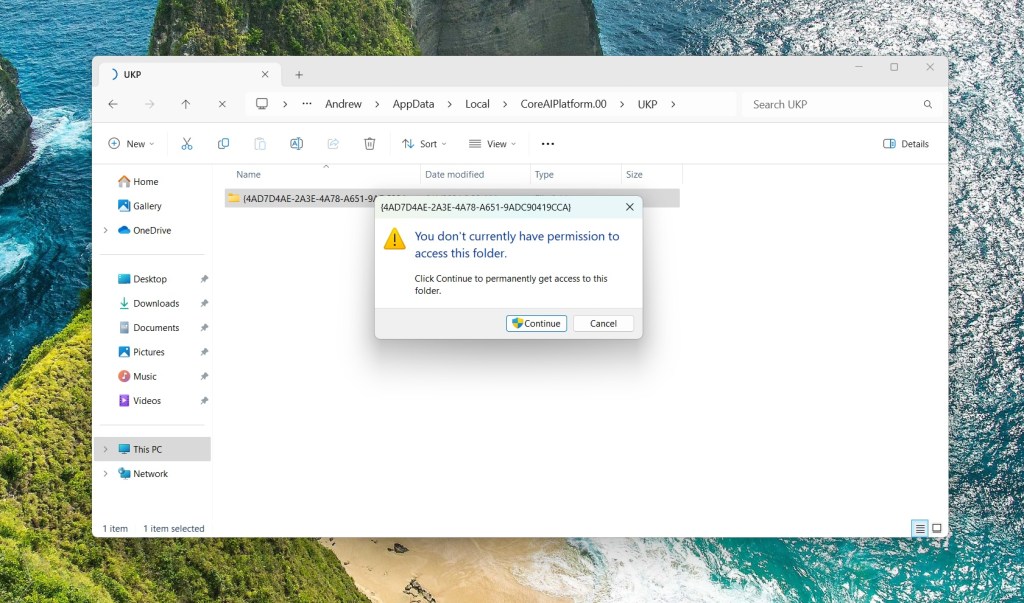
- Lack of Encryption: Contrary to Microsoft’s claims, Recall data is stored in an unencrypted database, and screenshots are saved in a folder on your PC without any protection.
- Remote Access Risk: Although the data is stored locally, it can still be stolen by someone who gains remote access to your computer.
- Compressed History: Your history is compressed, meaning a significant amount of data can be stolen at once if compromised.
- Multi-User Accessibility: On shared computers, other users can access your Recall data without needing administrative privileges.
- No Redaction: Recall does not redact sensitive information like passwords, potentially exposing your credentials even if you use a password manager.
The Default Dilemma
On top of all the aforementioned is that this feature is set to “on” by default and for most users who don’t have the time to follow the news as closely will likely not even know about this feature until they’ve been using their device. If they do find out about it, the’ll will likely struggle trying to figure out how to effectively turn it off. This design choice has led to significant backlash from privacy advocates who argue that users should have to opt-in, rather than opt-out, of such invasive features.
While Microsoft describes it as an optional experience Recall is defaulted to “on”, requiring users to figure out how to turn it off which does not seem so straight forward. And this assuming that the user does know about it, which I assume most will not.
And of course, even thought they claim that your data is your data there are concerns about what kind of access Microsoft will have. Why would it make such a big deal about this feature if it had no benefit to them somehow. Think of all the things they could do if they had access to every single thing you did on your computer?
If you’re someone who gives over to “we’re being tracked anyways”, I think some consideration here is merited as this is orders of magnitude greater.
Microsoft’s Perspective
Microsoft’s Recall feature is currently in preview status and they’ve not directly responded to the privacy concerns that have been raised.
A recently leaked internal memo (of coincidental timing) suggests the company is prioritizing security but one can’t help but wonder why they would heavily promote a feature that clearly raises significant privacy risks, unless they somehow believe users will simply trust them with their data?
Also interesting to note that Google’s Chief Privacy Officer is leaving and there are no plans to find a replacement.
How to turn off Microsoft Recall
Microsoft: Privacy and control over your Recall experience
Lifehacker: How to Disable Recall in Windows 11
Update – June 7, 2024
Microsoft has issued a response on their blog announcing that Recall will now require users to ‘opt-in’ as opposed to being on by default. Turning on Recall will also require users to use additional verification in order to turn it on to ensure that users understand what they’re signing up for.
 APPITY SNACKS
Leave a comment